All the settings and cotrols in a single place: Super Mode for Windows 8

Have you ever asked yourself about a folder in Windows which contains all the settings and controls of your OS? Usually you need to go in different places to find configuration options unless you heard about the Super Mode [via].

SuperMode is a special folder in Windows 8 that contains all the shortcuts to control panel settings and configuration options. SuperMode is similar to All Tasks or Master Control Panel in Windows Vista or God Mode in Windows 7 [via].

In order to create this folder you need to follow some very simple steps and to have the knowledge of a special code.  Let’s see how: Continue reading »


Posted by Bogdan on May 4, 2013 | Posted in Tutorials, Windows, Windows 8 | Tagged , , , , | Comment

My facebook page doesn’t load after I tried the new layout interface. Solution?

facebook-went-white

As you can see in the picture, my Facebook page doesn’t load any more, just stays white. Yesterday I tried the new layout interface and after some time I switched back to the old design. After that, my Facebook page on my computer is not working.

Any solutions? :)

[update] My Continue reading »


Posted by Bogdan on April 3, 2013 | Posted in Support, Tutorials | Tagged , , , | Comment

My webcam is upside down (vertically inverted) – How to repaire it in Skype?

skype-upsidedown

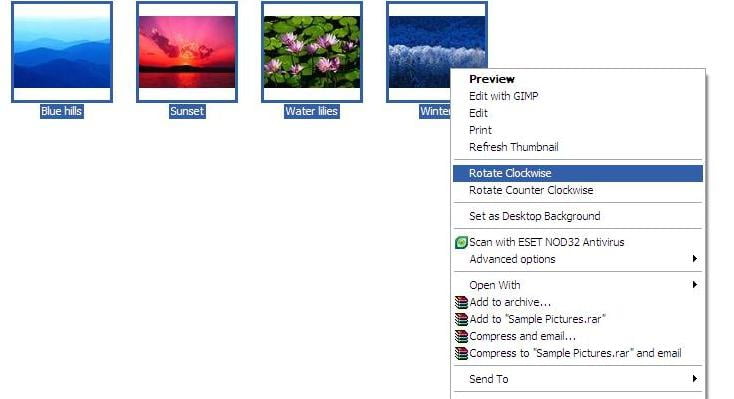
Two days ago I helped a friend to get its clean install of Microsoft Windows 7 when I run into a problem. While everything was nice and smooth – drivers, office and other software – with the Skype video calls I run into trouble: the camera was showing the image upside down. Quite funny at first but after a minute or two we were both asking how to fix this? Continue reading »


Posted by Bogdan on March 16, 2013 | Posted in Support, Tutorials, Windows | Tagged , , , | Comment

How to use two Skype accounts on the same computer (run multiple instances)

multiple-skype

I received a question this days about how can we open two instances of Skype program in order to use two different account on the same computer. This can be the case when one of your parents need to phone someone from their accounts and you still want to be able to chat with your friends from your account… or  when you have a personal account and a work account and you need to be online on both of them.

In order to open an additional instance of Skype you have to Continue reading »


Posted by Bogdan on March 2, 2013 | Posted in Support, Tutorials, Windows | Tagged , , , | Comment

How to enable “Hibernate” option in Windows 8

If you updated to Windows 8 you should already seen a lot of differences from the previous Windows 7 OS from Microsoft. A very old option of Windows is “Hibernate”. Is that state of your computer when you can save your data and even open applications and still you can turn it off (unplug, remove battery).

how-to-enable-hibernate-option-in-windows-8-on

Not sure why, but it seems that the engineers from Microsoft decided to hide the hibernation button by default. Continue reading »


Posted by Bogdan on January 1, 2013 | Posted in Windows, Windows 8 | Tagged , , , | Comment